


Add your first IOU
Log who owes what in three taps: who, how much, and why. The entry lands on that person's ledger with its reason and date.
Updated
An IOU in PayMeLater is called a transaction: an amount, a reason, a date, and a direction (who owes whom). Adding one takes three steps, and the app asks each question in turn.
- 1
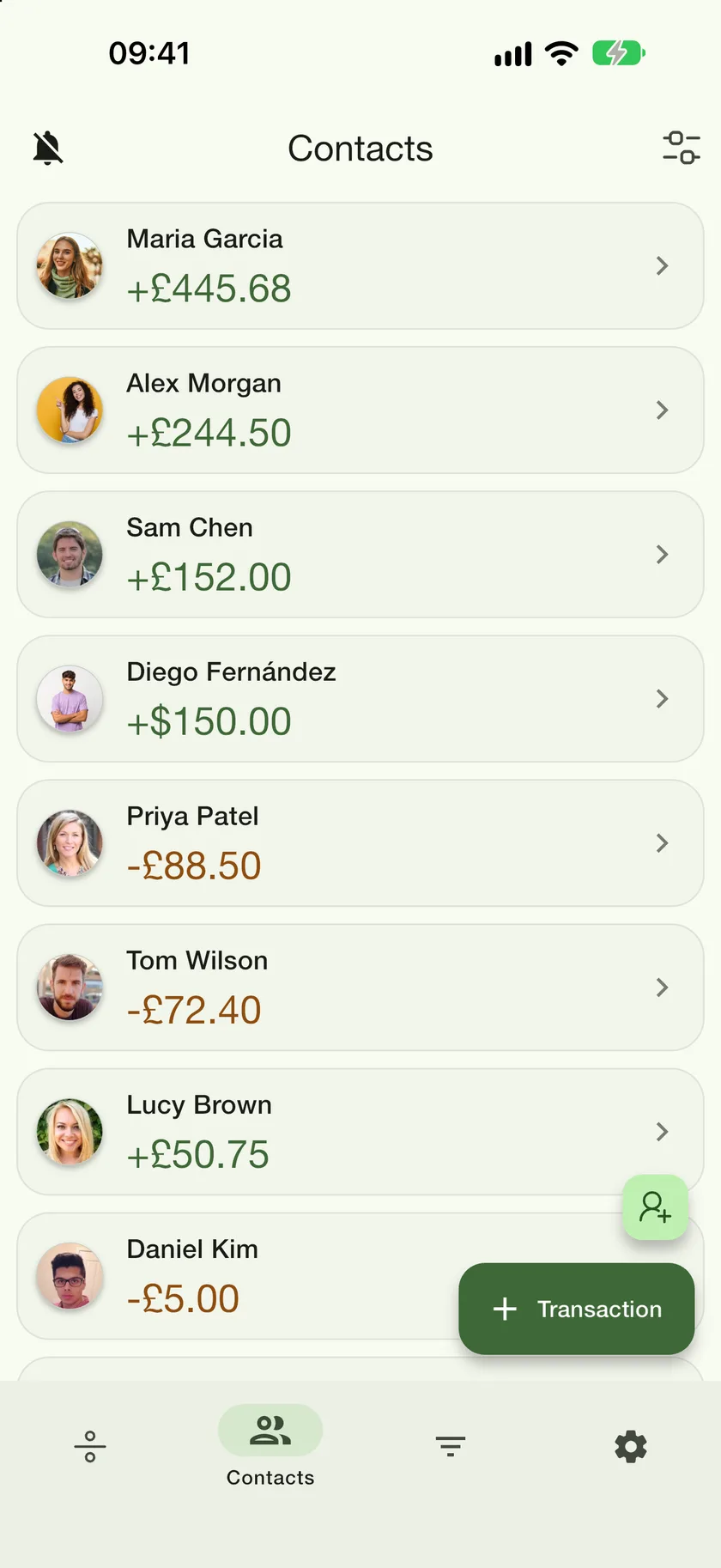
Tap Transaction
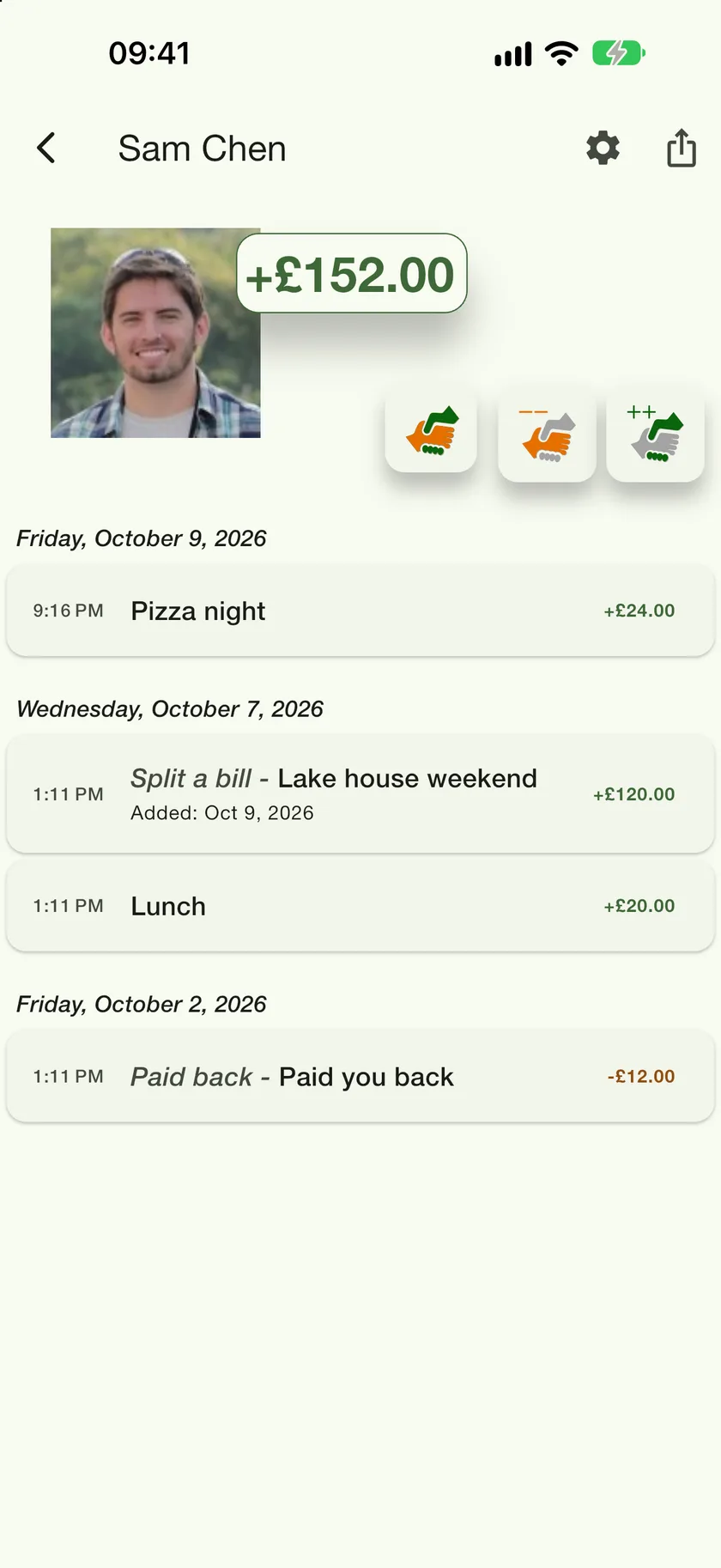
The green button in the bottom corner of the Contacts tab. You can also start from inside a contact's ledger, where the handshake buttons pre-fill who the entry is with.
- 2
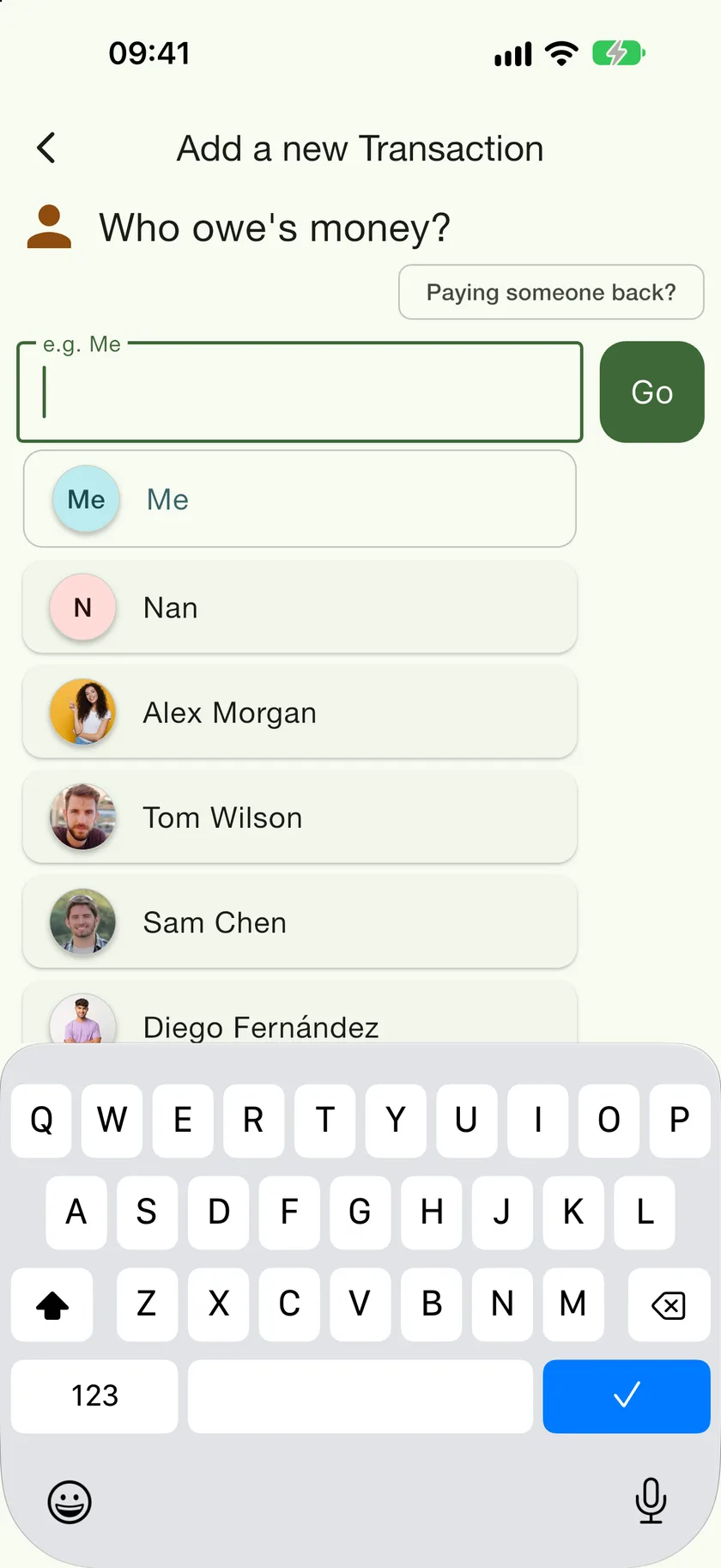
Who owes money?
Pick the person. The list shows your existing contacts and your phone's address book, so a new person becomes a linked contact as part of saving the entry. Choose Me when you are the one who owes.
- 3
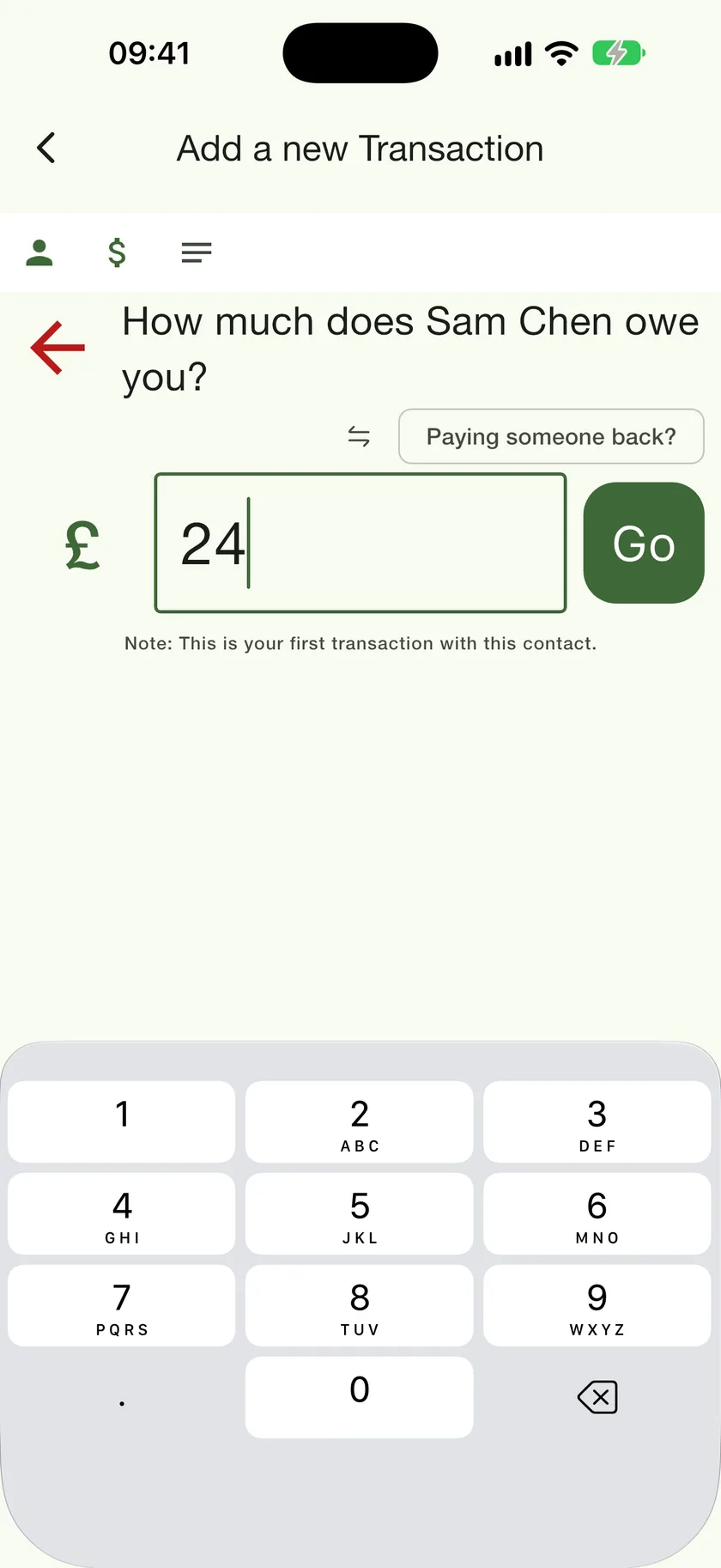
How much?
Type the amount. The currency symbol on the left is tappable if the money changed hands in another currency. The small arrows flip the direction if you picked the wrong way round.
- 4
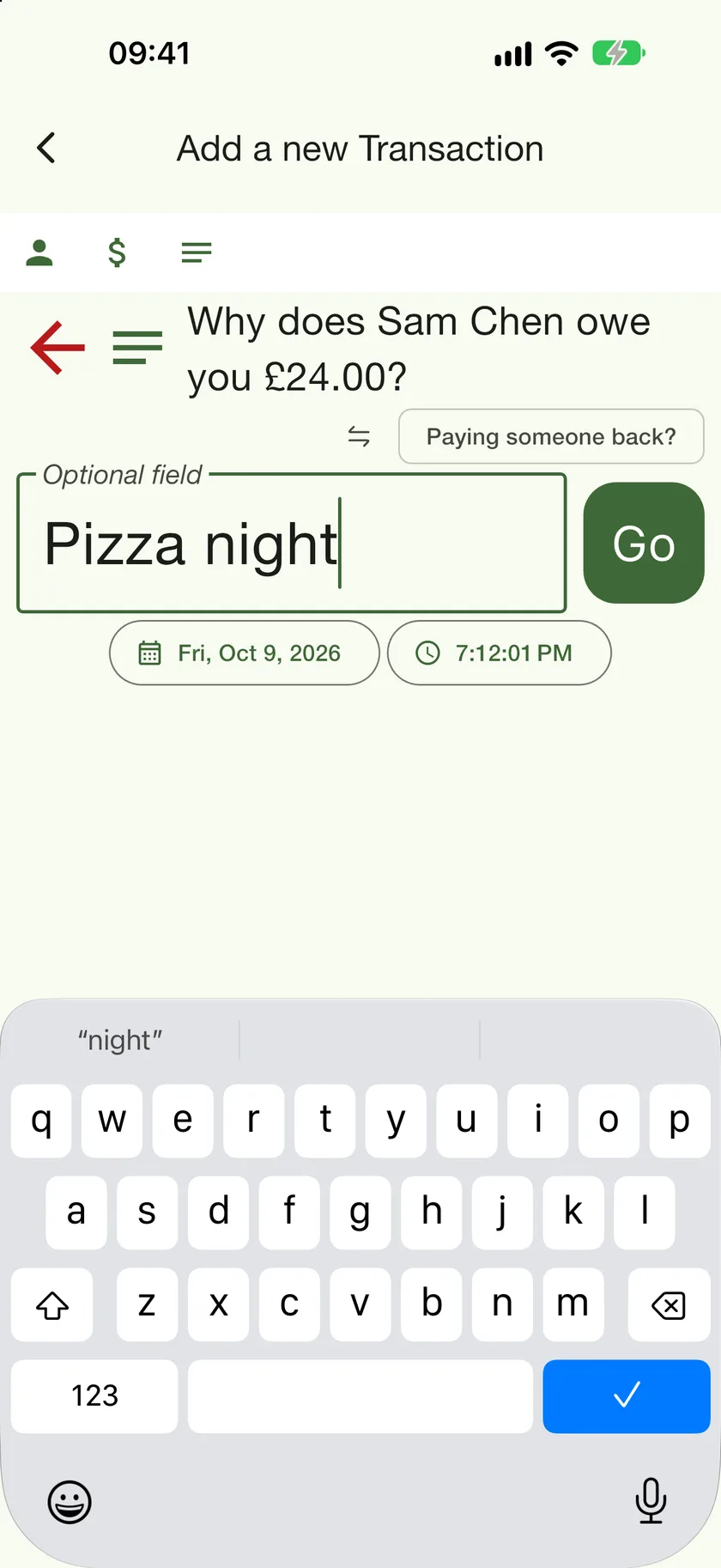
Why?
A short reason, and the date and time if it was not just now. Tap Go and the entry is saved.
Where it goes
The entry appears on that person's ledger, grouped by day, and the balance at the top updates straight away. Green means they owe you, rust means you owe them.