



Signing in, and what anonymous mode can do
PayMeLater signs you in with your phone number and a text-message code. No password. Skipping sign-in works too, with one big limitation.
Updated
Your phone number is your account. It is also what lets friends find the ledger between you, so signing in with it is the recommended way to use PayMeLater. There is no password to remember: a code arrives by text message each time you sign in.
- 1
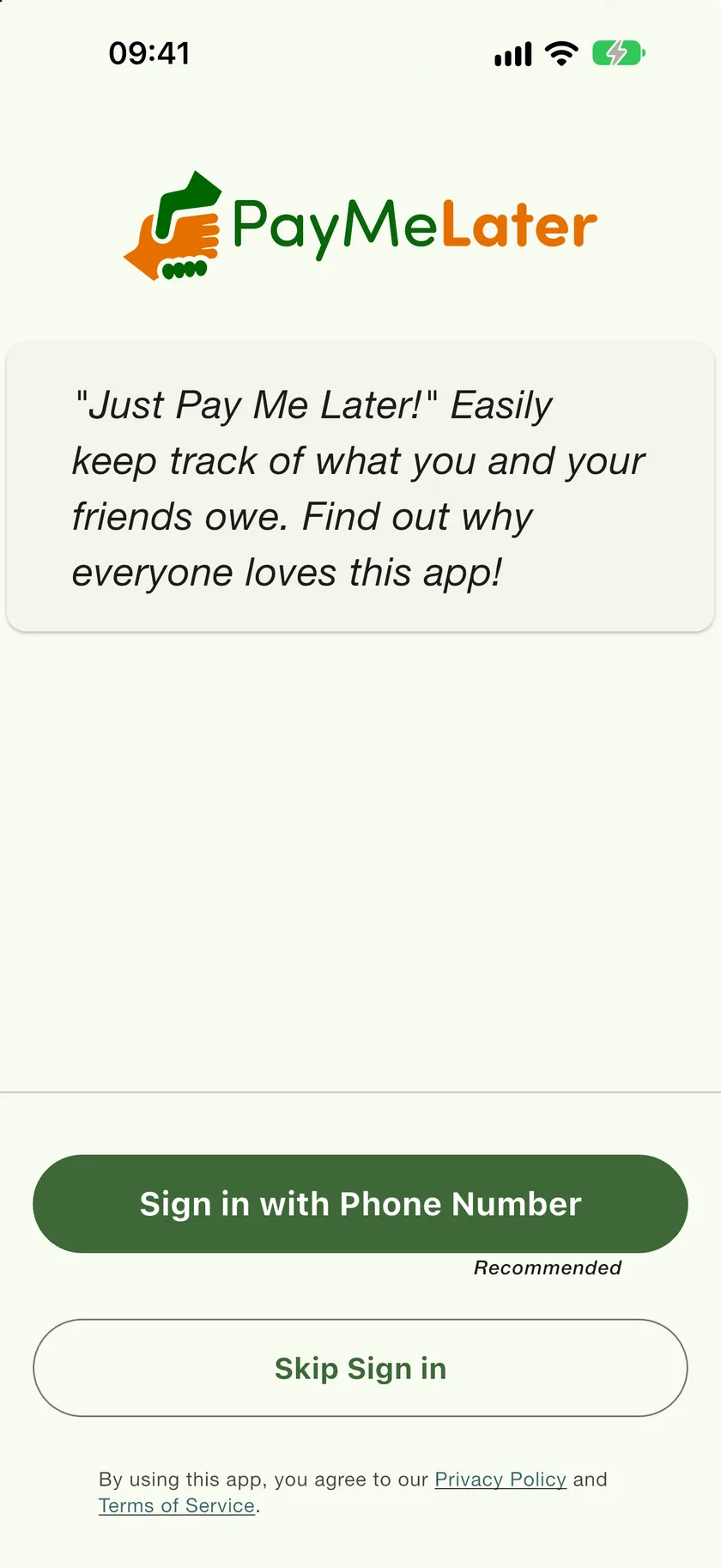
Tap Sign in with Phone Number
On the welcome screen. If you would rather try the app first, Skip Sign in starts anonymous mode, described below.
- 2
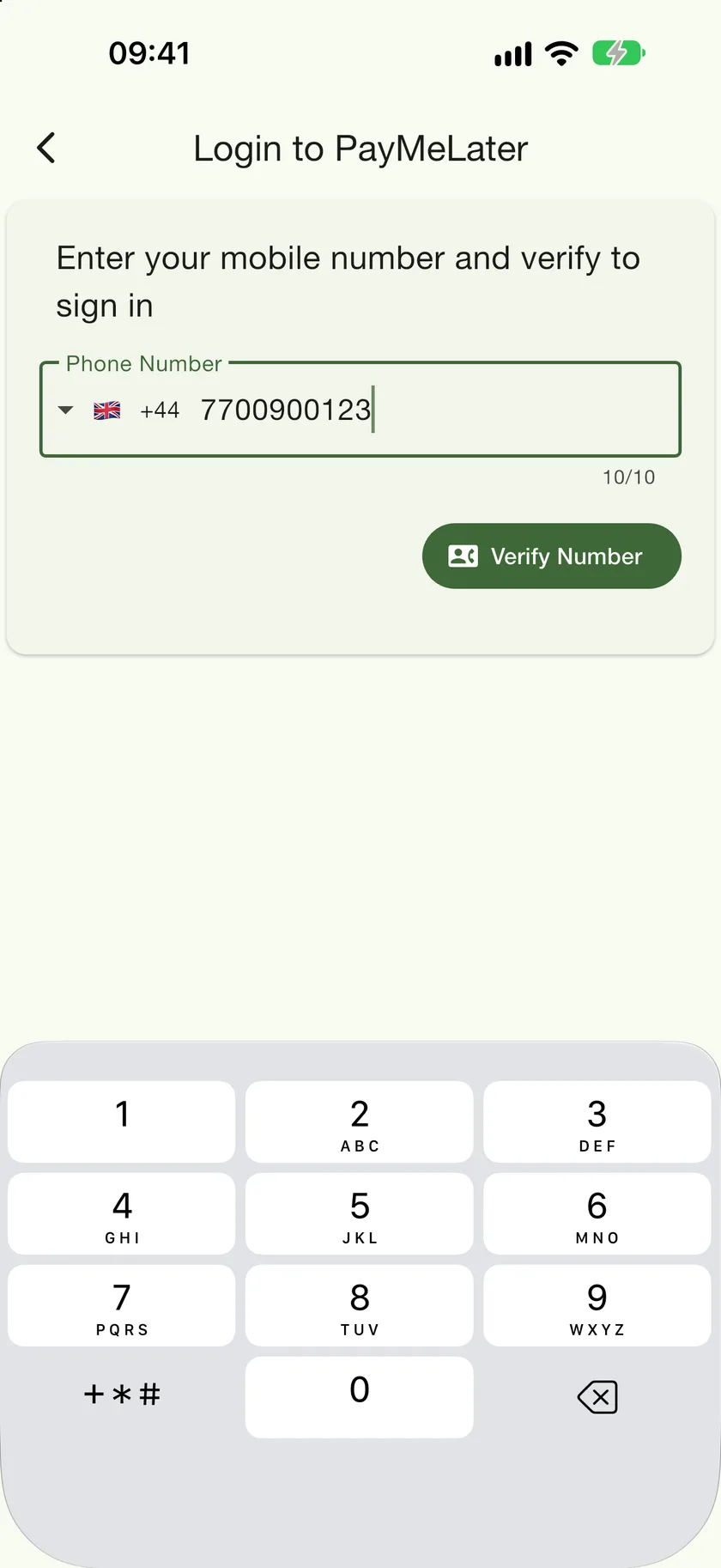
Enter your number
Check the country code chip on the left matches your number, then tap Verify Number.
- 3
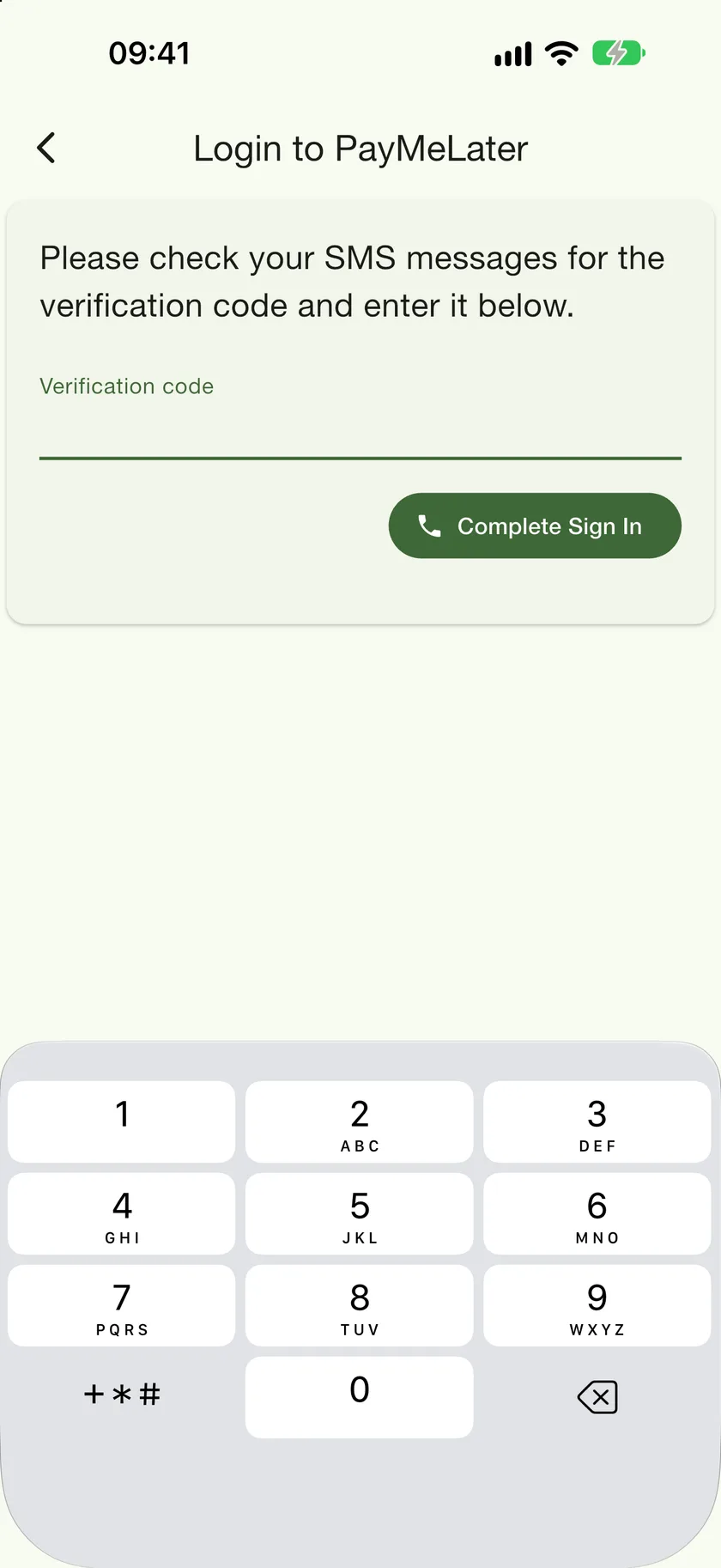
Type the code from the text message
Tap Complete Sign In and you are in. The Contacts tab opens.
Anonymous mode
Skip Sign in and everything you record stays on your account alone. It is a complete, private ledger, and you can sign in later without losing anything. The one thing it cannot do is link: with no phone number of your own, there is nothing for a friend's app to match against, so anonymous accounts can only have offline contacts and cannot share bills.